Resource Pack Hosting
CuriosPaper uses an embedded Netty-based HTTP server to host and serve the generated resource pack to players.
Configuration
How the Server Works
- On startup, the
ResourcePackManagergenerates a ZIP file from all registered asset sources - A SHA-1 hash is calculated for the ZIP
- A lightweight HTTP server starts on the configured port
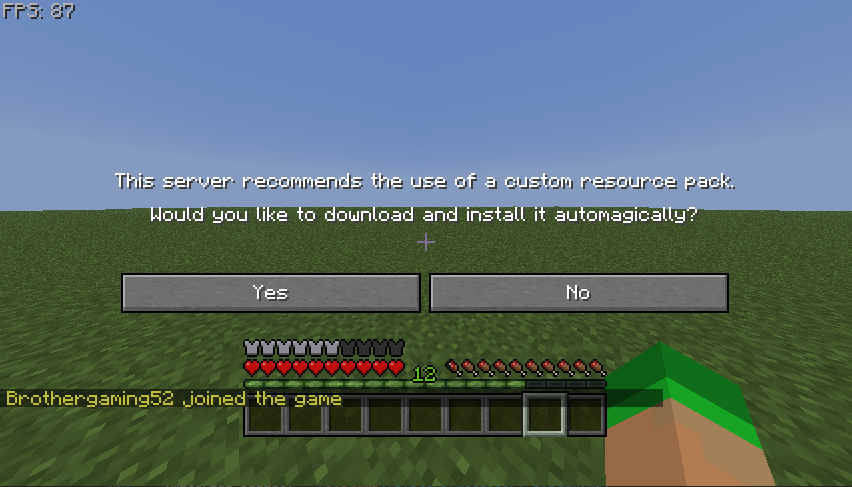
- When players join, they receive the resource pack URL:
http://<host-ip>:<port>/pack.zip - The Minecraft client downloads and applies the pack
Port Configuration
| Scenario | Recommended Port |
|---|---|
| Dedicated server | 8080 or any open port |
| Shared hosting | Check available ports with your host |
| Local testing | 8080 |
Never use the game port
The resource pack port must be different from your Minecraft server port (default: 25565). Using the same port will break both services.
Firewall Rules
Ensure the resource pack port is accessible:
Server Info
View the current resource pack server status:
This shows:
- Pack file path and size
- SHA-1 hash
- Number of registered namespaces
- Conflict count
Registering External Assets
Other plugins can add their assets to the generated resource pack:
CuriosPaperAPI api = CuriosPaper.getInstance().getCuriosPaperAPI();
api.registerResourcePackAssets(myPlugin, new File(getDataFolder(), "resourcepack"));
The folder should contain the standard assets/ directory structure:
resourcepack/
└── assets/
    └── myplugin/
        ├── models/
        │   └── item/
        │       └── my_item.json
        └── textures/
            └── item/
                └── my_item.png
Rebuilding
After adding new textures or modifying assets:
This regenerates the ZIP, recalculates the hash, and pushes the new pack to all online players.